You can find all the Elementor-based theme blog page specifics in this general guide: Setting up Blog Listing Page and Blog Posts
In this guide, we’ll highlight the key details so you can get oriented quickly.
Blog Page
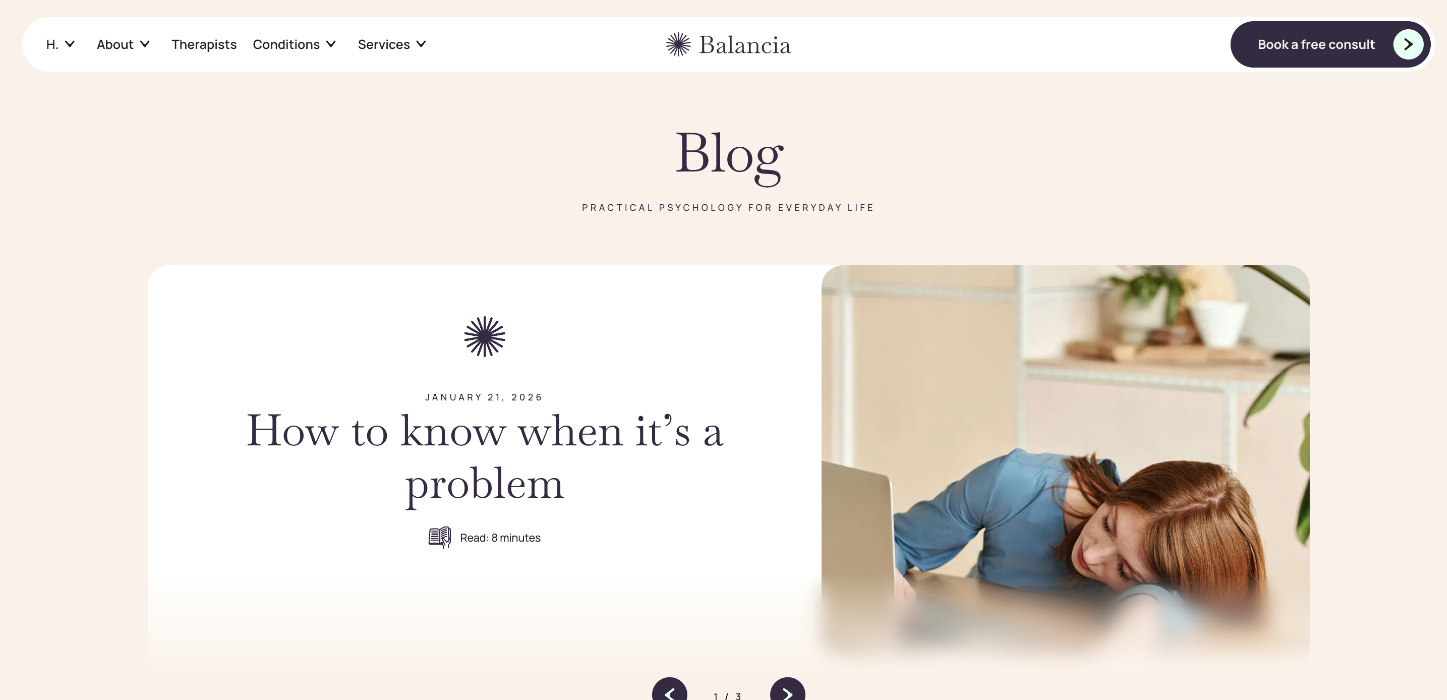
The Blog page is built with Loop widgets (Loop Carousels / Loop Grids). For a detailed walkthrough on editing Loop widgets across the site, please see: How to edit the Areas of focus, Testimonials and Blog Loop Carousels?
Below are a few screenshots from the Balancia Blog page.
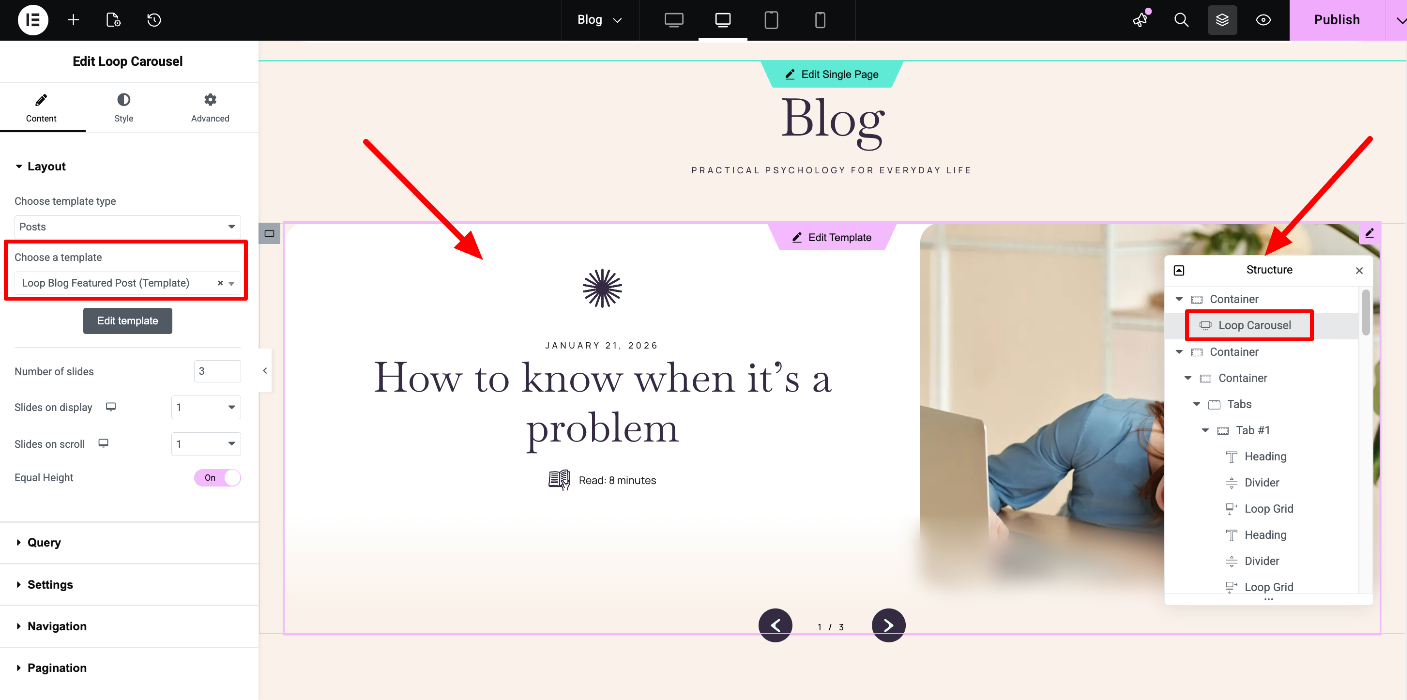
Tip: Open the Navigator (Structure) to locate each widget more easily.
Featured posts carousel
The first Loop Carousel uses the “Loop Blog Featured Post” template.
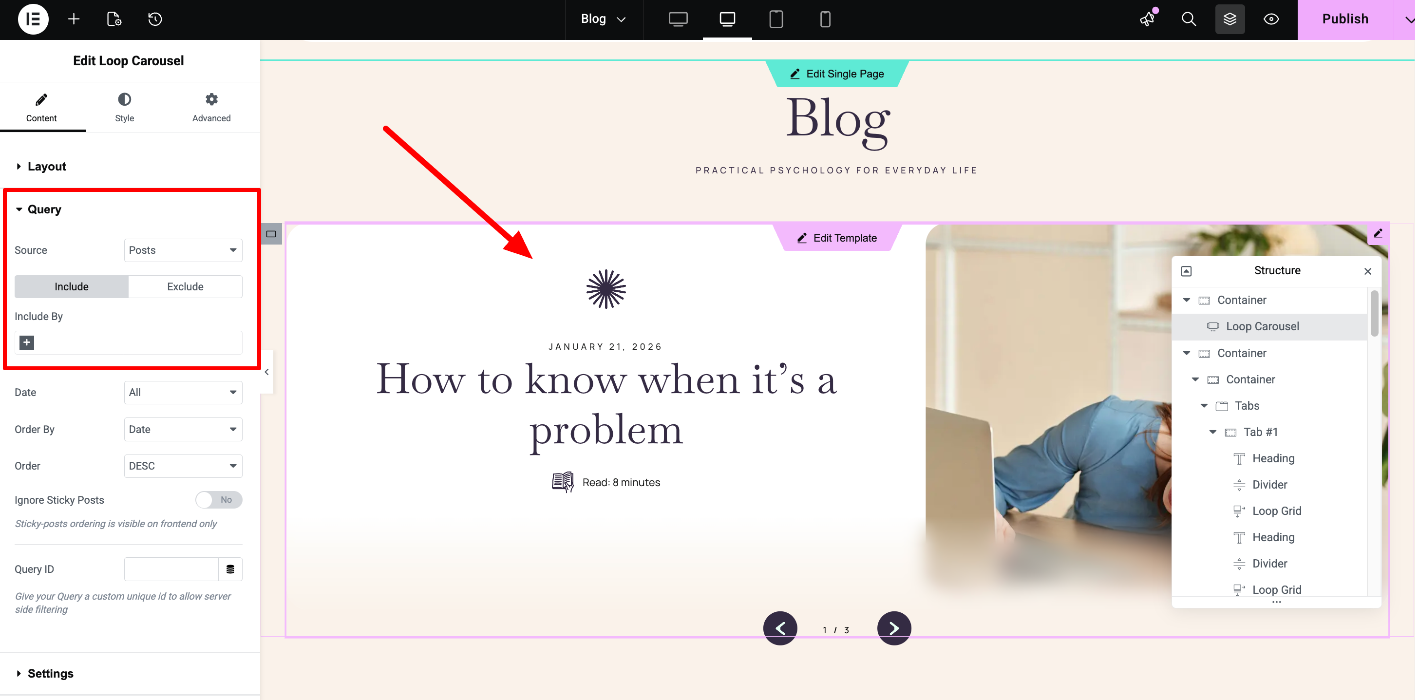
To change which posts are displayed, open the widget’s Query tab and adjust the query settings.
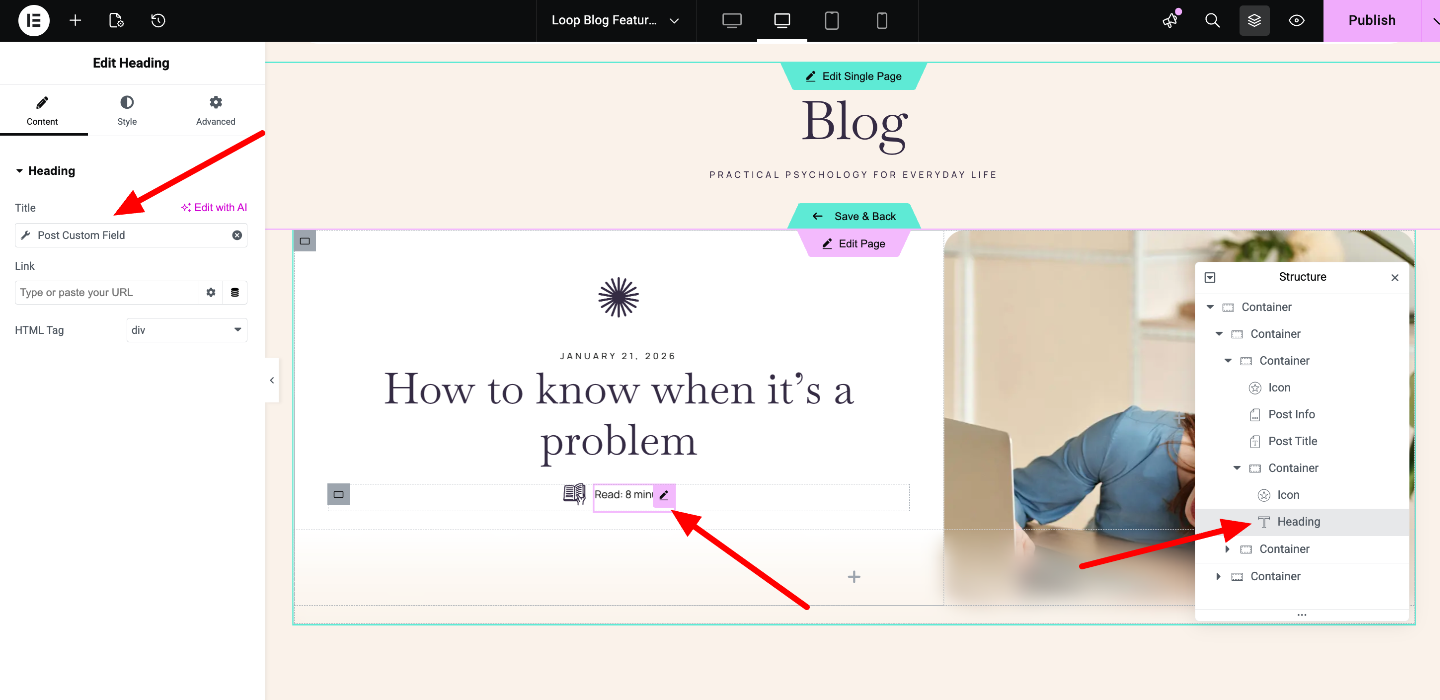
Click “Edit Template” to review which dynamic tags are used in the loop template.
Example:
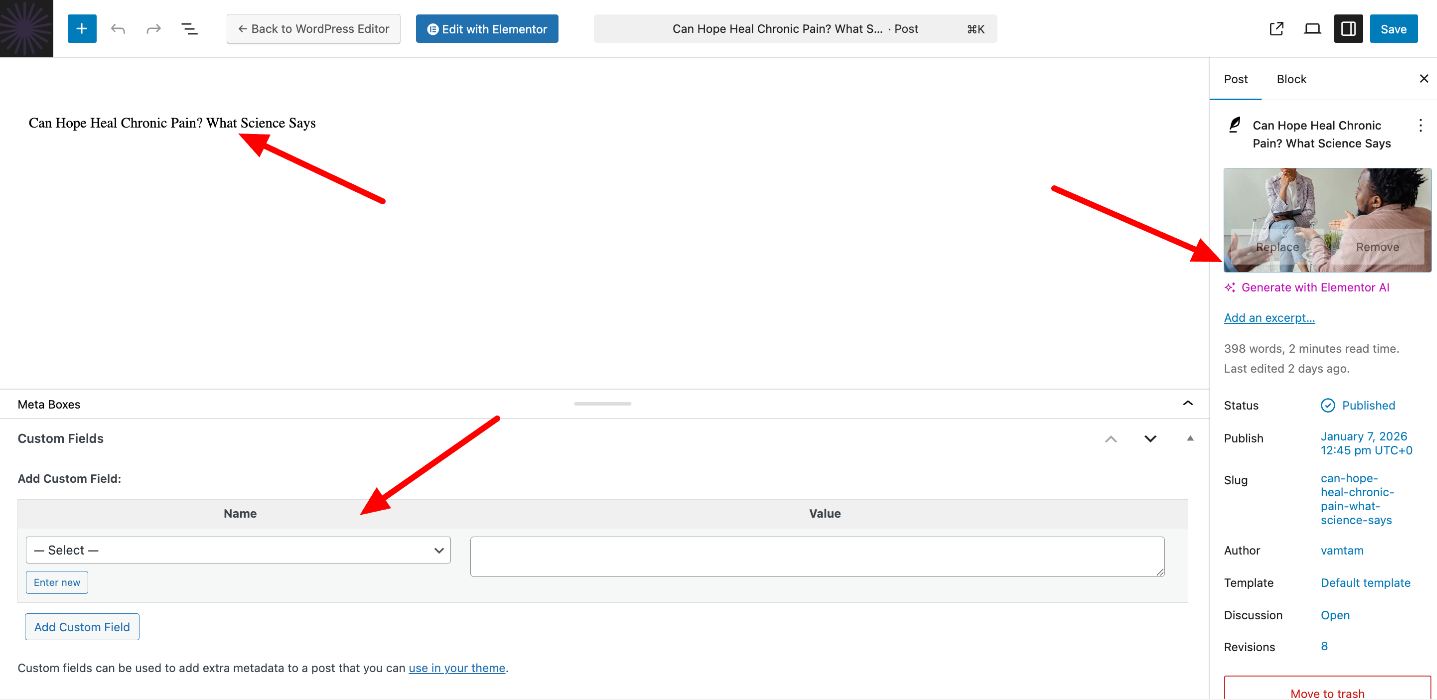
“Read 8 minutes” is pulled from a post custom field, so it needs to be edited inside each individual post.
All other post sections
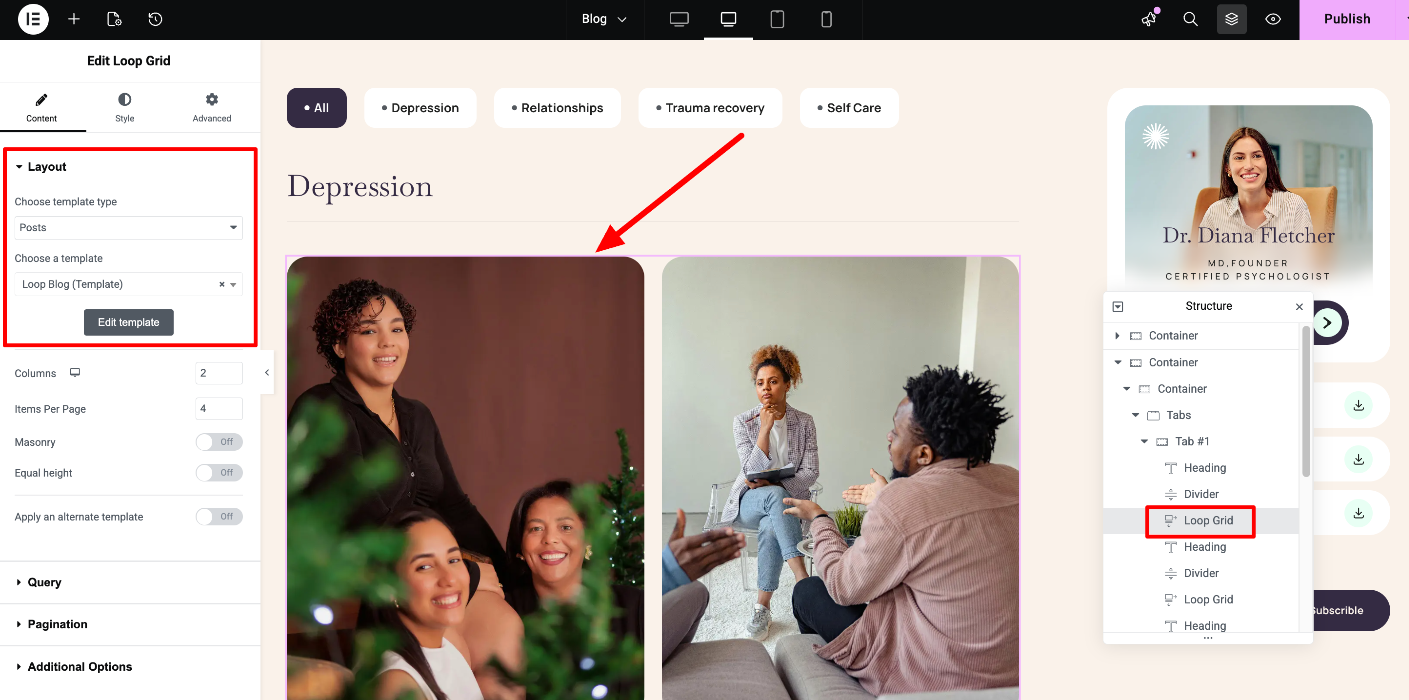
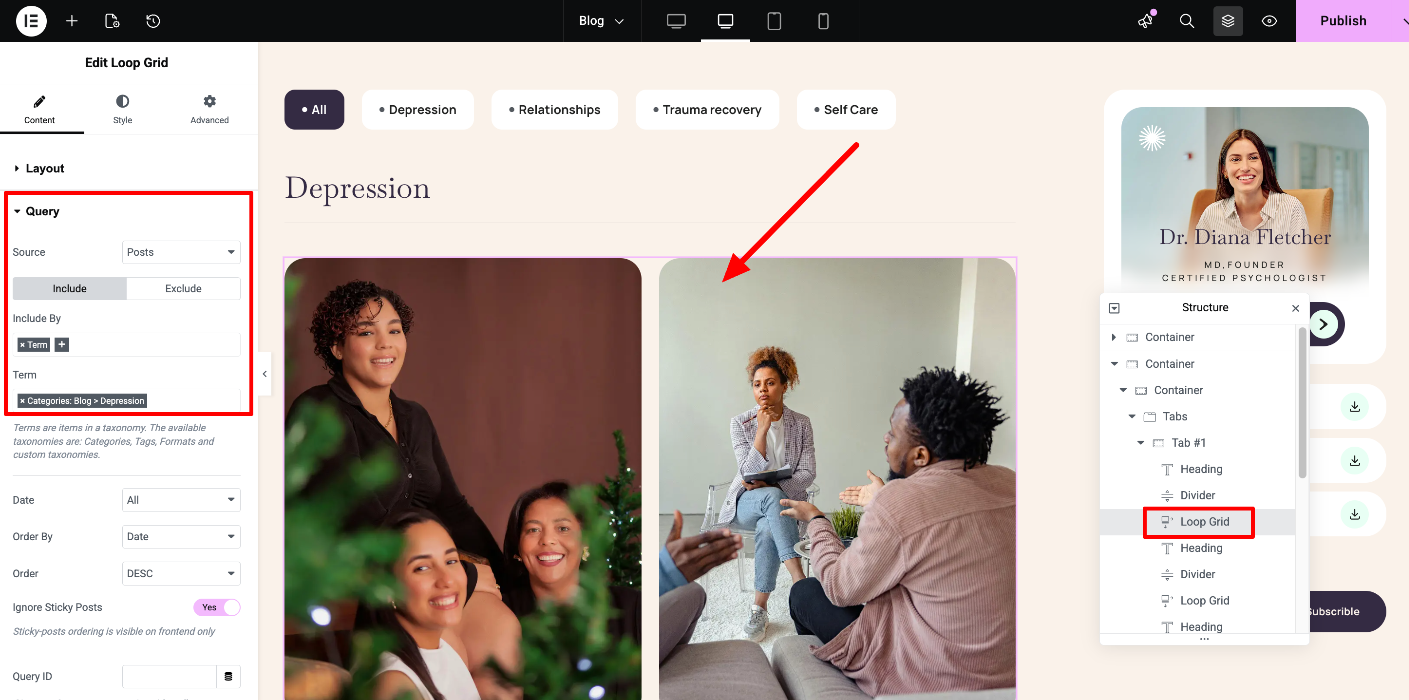
All other Loop Grid widgets use the “Loop Blog” template. The only difference between them is the category selected in each widget’s Query tab.
Single Blog Post
When you click “Edit with Elementor” on a single blog post and expand the Navigator (Structure), you can locate and edit all content elements within the post.
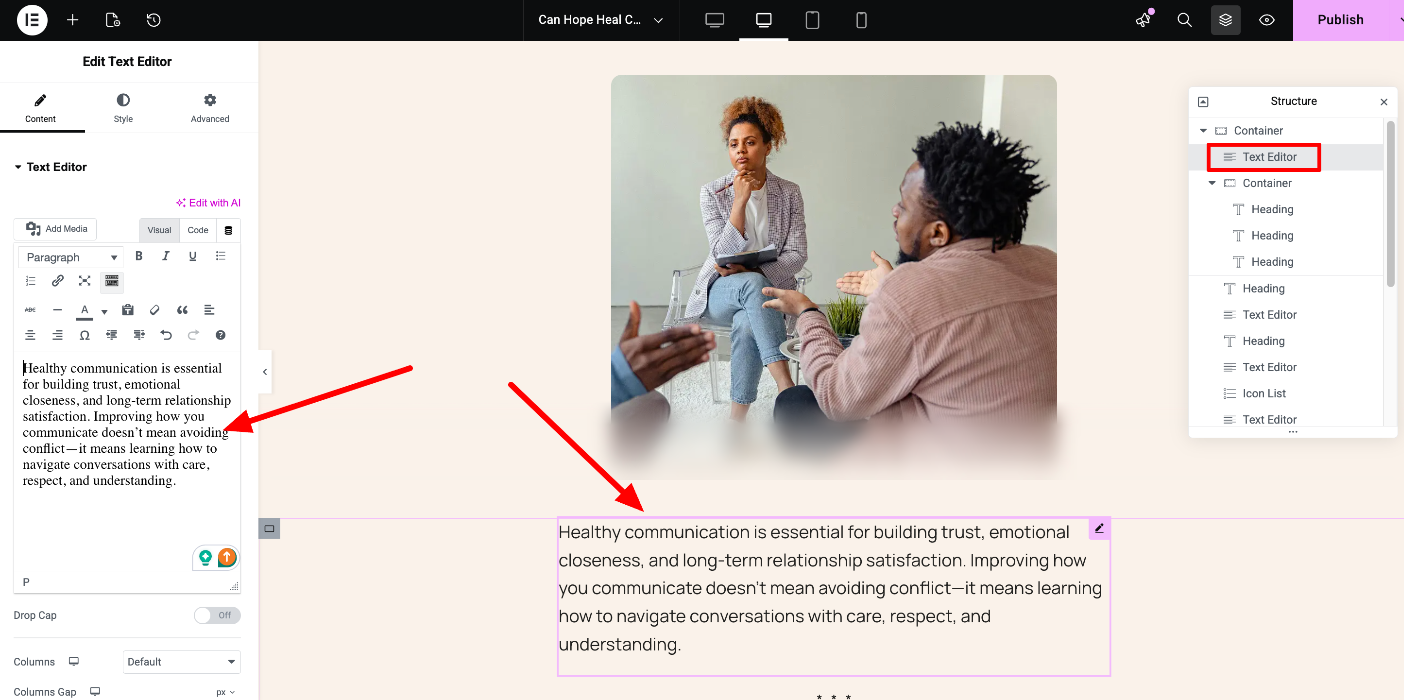
Any sections that do not appear in the Navigator are controlled by the Blog Single Post template instead.
In the Blog Single Post template, you’ll find and can edit the following sections:
The top area of the post (title, featured image, social icons)
“Book a consultation”
“Comments”
“Related articles”
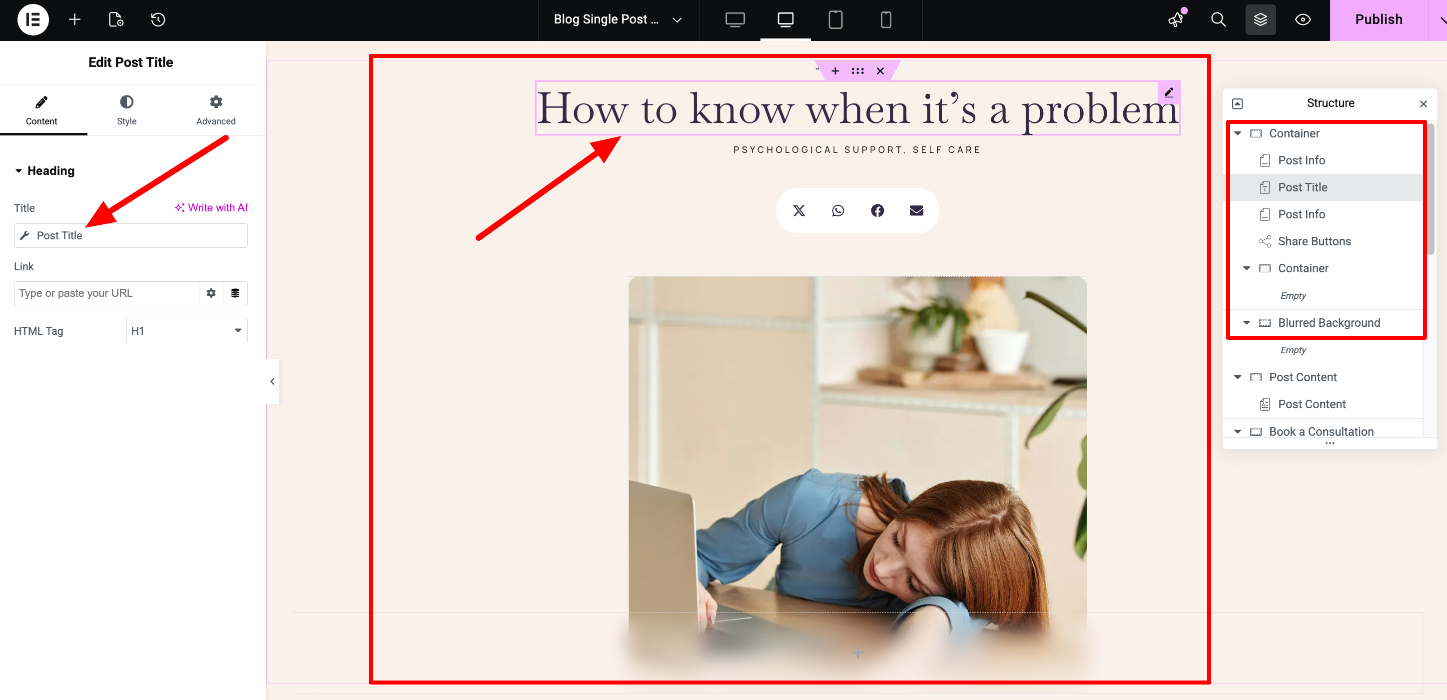
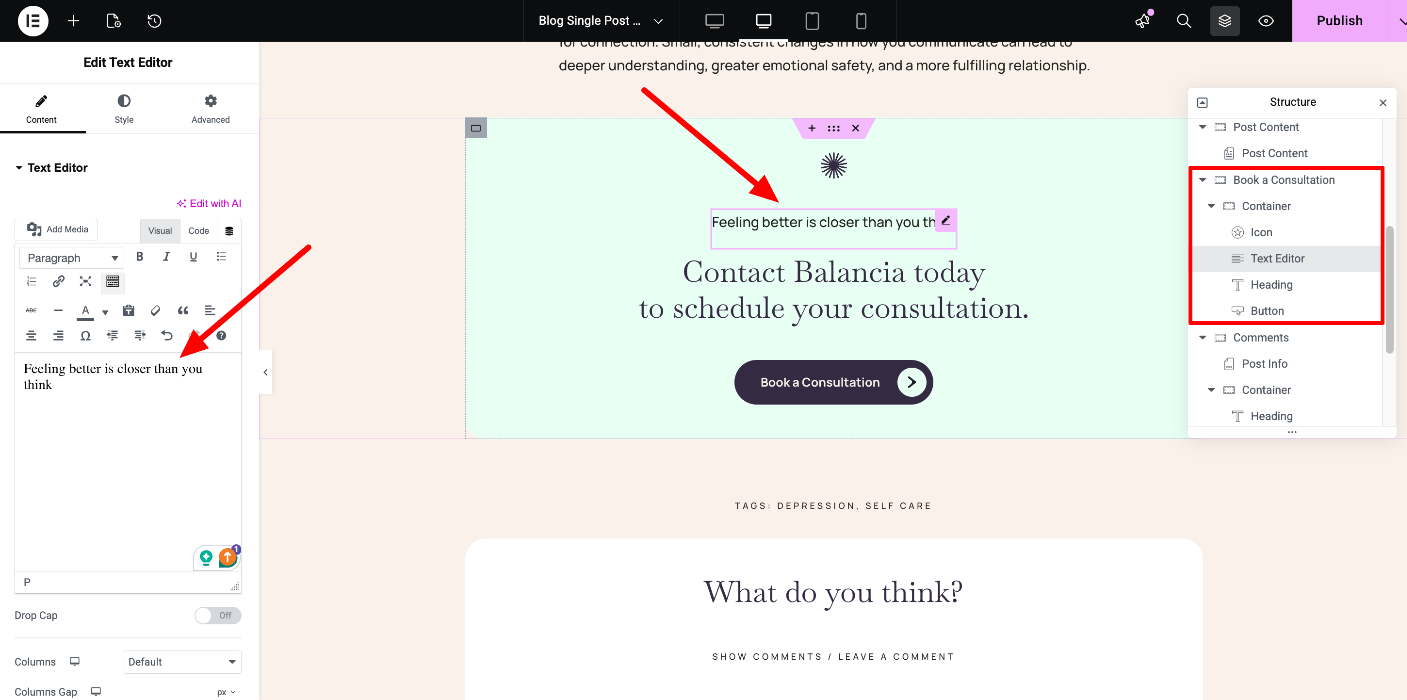
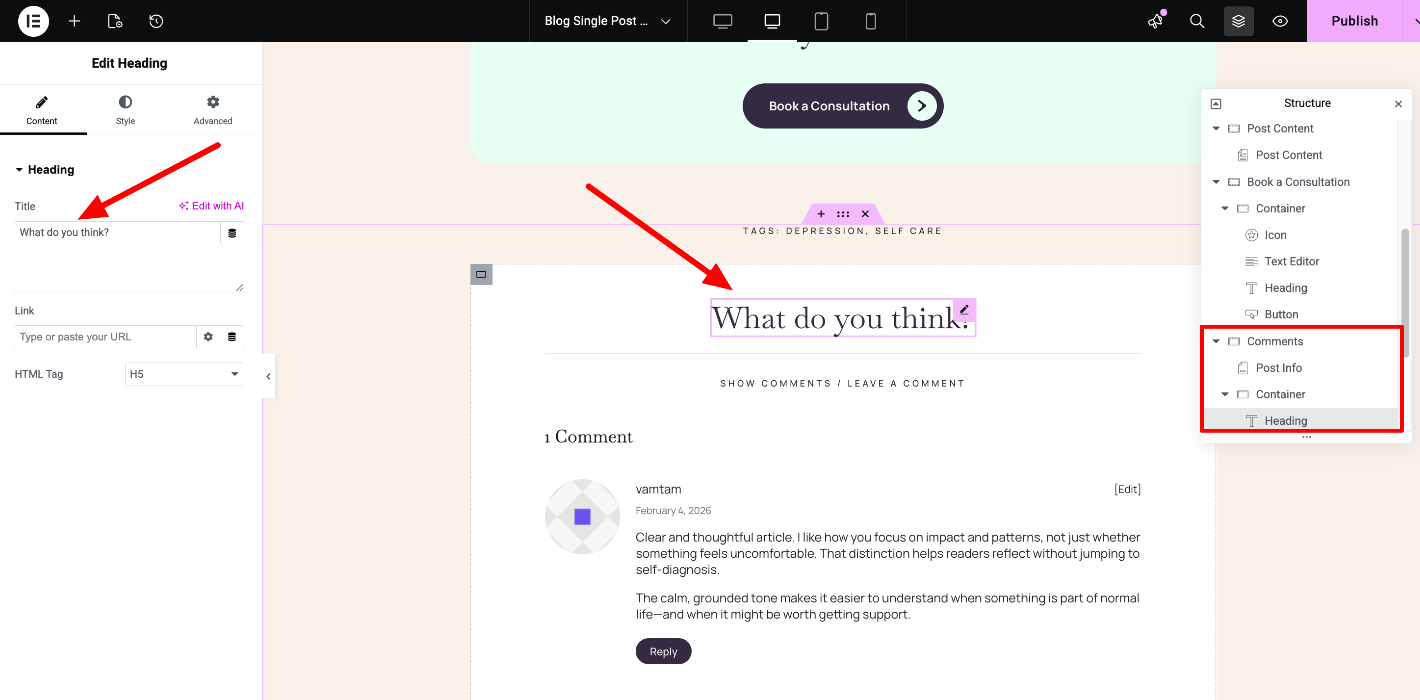
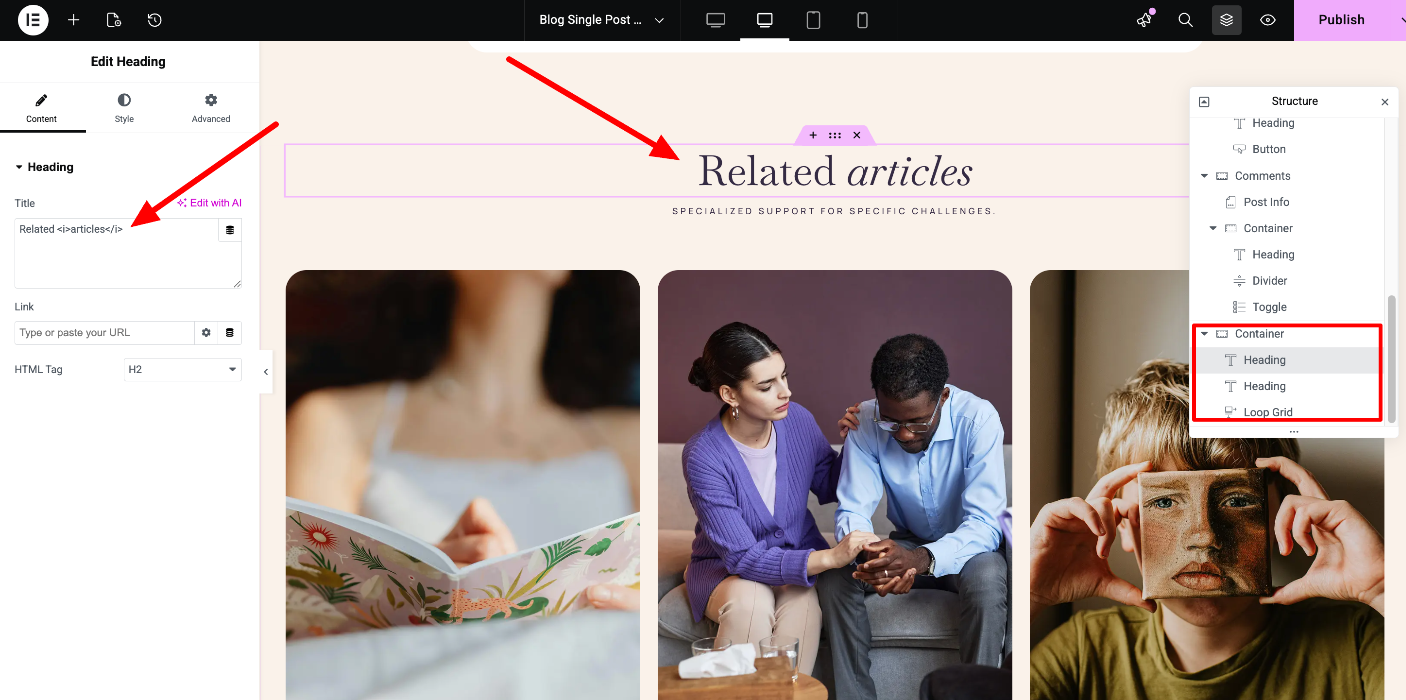
Please note that the post title, featured image, custom fields, tags, and other post details are edited in the standard WordPress editor: